
A Google Chrome alternative for your PC, private from day one
If you want a browser that blocks ads and protects your privacy without add-ons or settings, m7bok is a free alternative to Google Chrome on Windows. Your bookmarks, history and tabs come over from Chrome in one step.
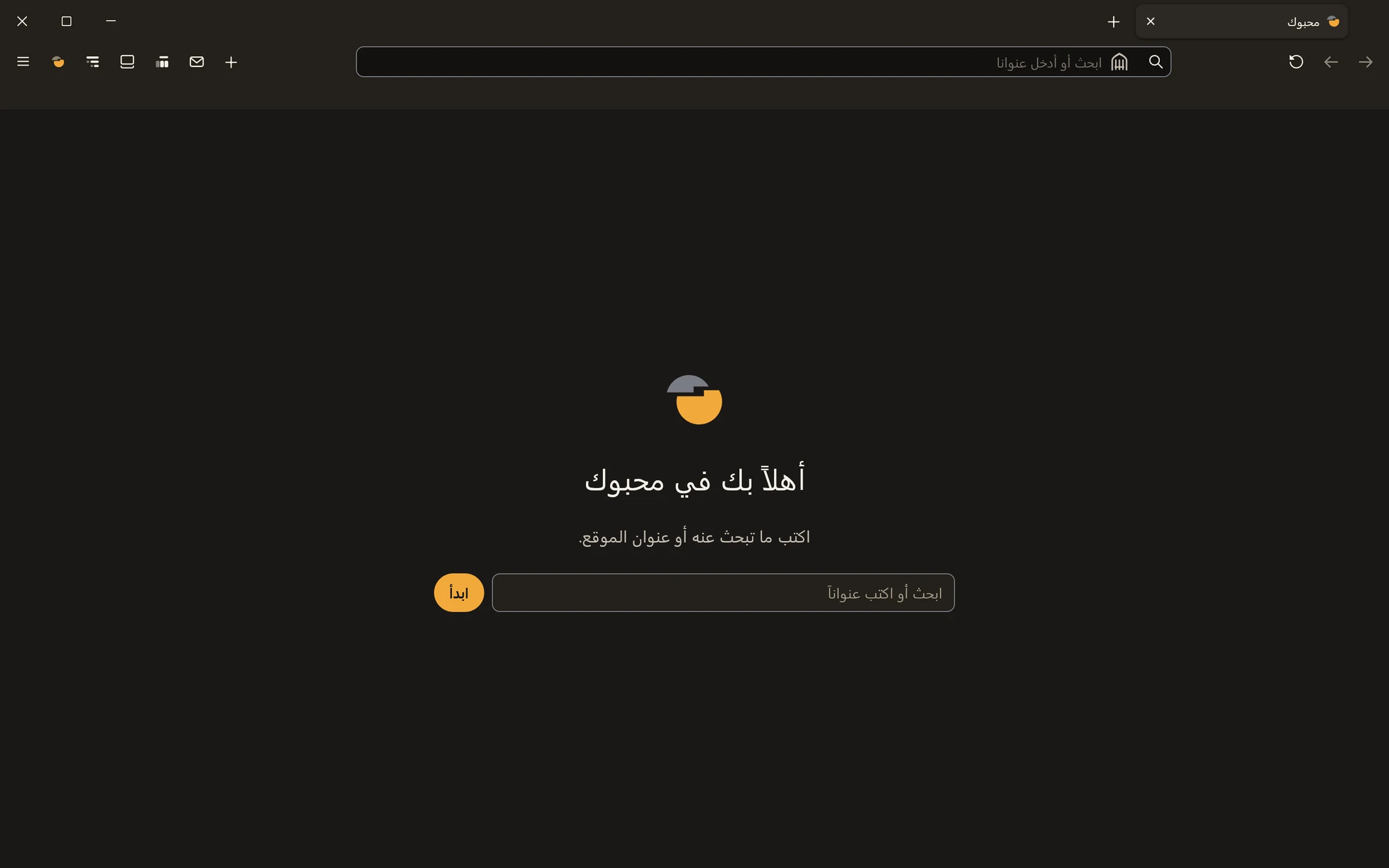
m7bok and Chrome: the difference in your day
| What | m7bok | Chrome |
|---|---|---|
| Ads | Blocked from the start, no add-on | Only “intrusive” ads; the rest needs an add-on |
| Cookie “Accept” pop-ups | Refused or hidden for you | You click them yourself |
| Trackers | Blocked from the start | Tracking cookies blocked in Incognito only |
| Your device fingerprint | Each site sees a different face | No dedicated feature |
| Temporary email for sign-ups | Built in | Not included |
| AI assistant | Hammam, in the browser and on your PC, in Windows apps and your files | Gemini, inside the browser |
We compared both browsers as they come, before any add-on or change; Chrome’s side comes from Google’s own help pages. Last checked 10 October 2026.
Move over from Chrome in one step
The first time you open m7bok, it offers to bring over your bookmarks, browsing history and tabs from Chrome or any browser you have, and it moves nothing without your permission.
And something Chrome doesn’t have: Hammam
An assistant you call by voice and ask in a word; he works for you in the browser and in your Windows programs and files. Meet Hammam.
Questions people ask
Can I go back to Chrome?
Yes. m7bok doesn’t delete Chrome or change its data, and you can use both.
Is m7bok free?
Yes, the browser is always free. The subscription is for its assistant Hammam alone, and it is optional.
Do my Chrome passwords move over?
Bookmarks, history and tabs move in one step. Passwords you move yourself, from a file you export from Chrome.
Does it run on Mac or on my phone?
Not yet. m7bok is for Windows 11 (64-bit) only.
Read next
Last updated: 10 October 2026